Lab orders
Create a lab order from the patient’s record, send it to one of your lab vendors, and follow it from sent to fitted, with every change of status kept.
All features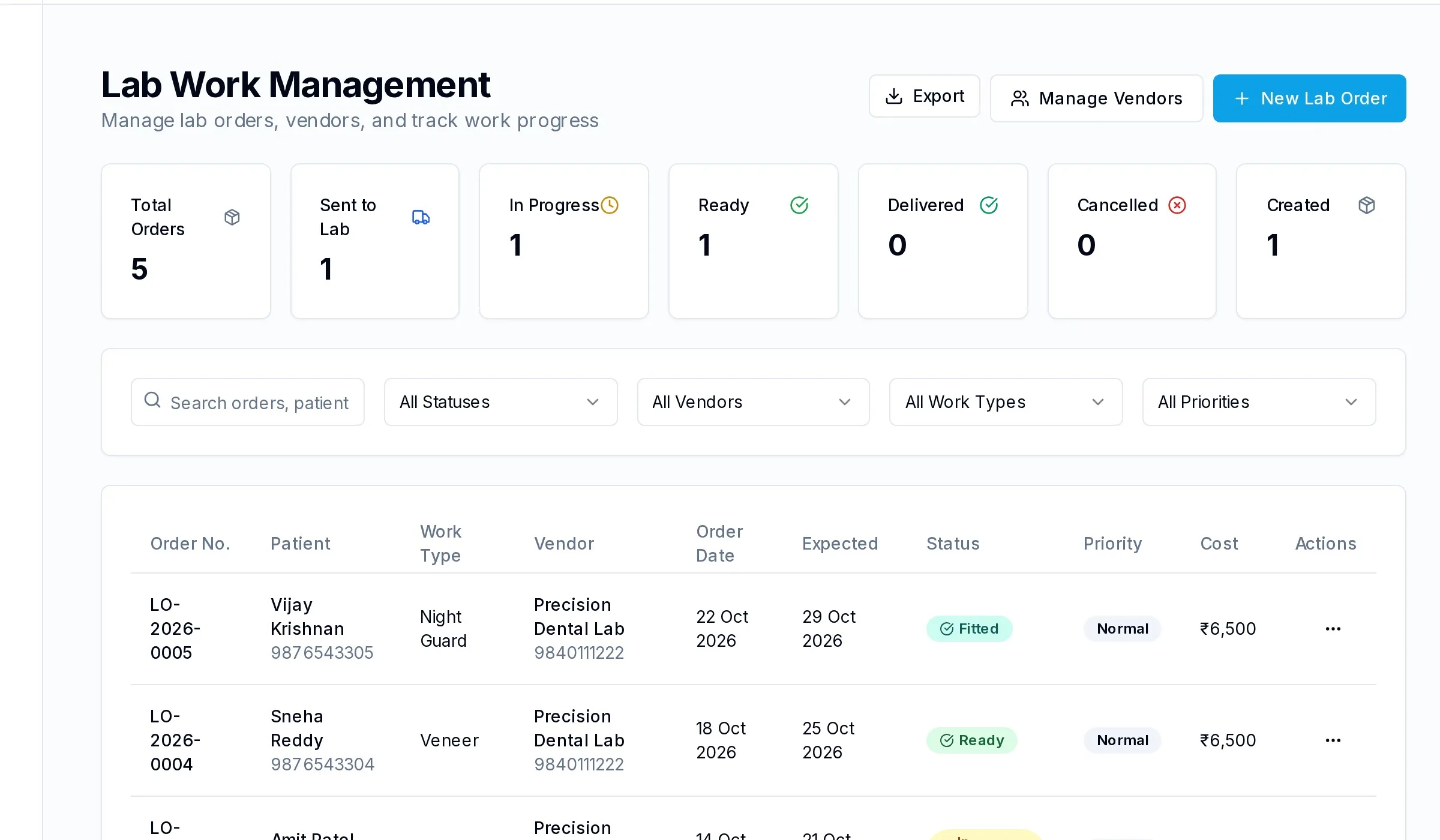
Your lab vendors
Keep each lab’s contact details and the work they do for you.
Status from sent to fitted
Each order moves through sent, in progress, ready, delivered and fitted, with a history of every change.
Due dates you can see
Expected dates sit beside each order, so the front desk can book the fitting appointment with confidence.
Documents with the order
Attach impressions, photos and prescriptions for the lab to the order itself.